PrusaSlicer and Printing Miniature Terrain
Over the past weekend, I spent a lot of time with my Prusa MK4S, PrusaSlicer, and ChatGPT attempting to figure out why my prints of the Altar of Desolation were coming out pretty poor looking with stringing and a particuarly rough looking wooden beam.
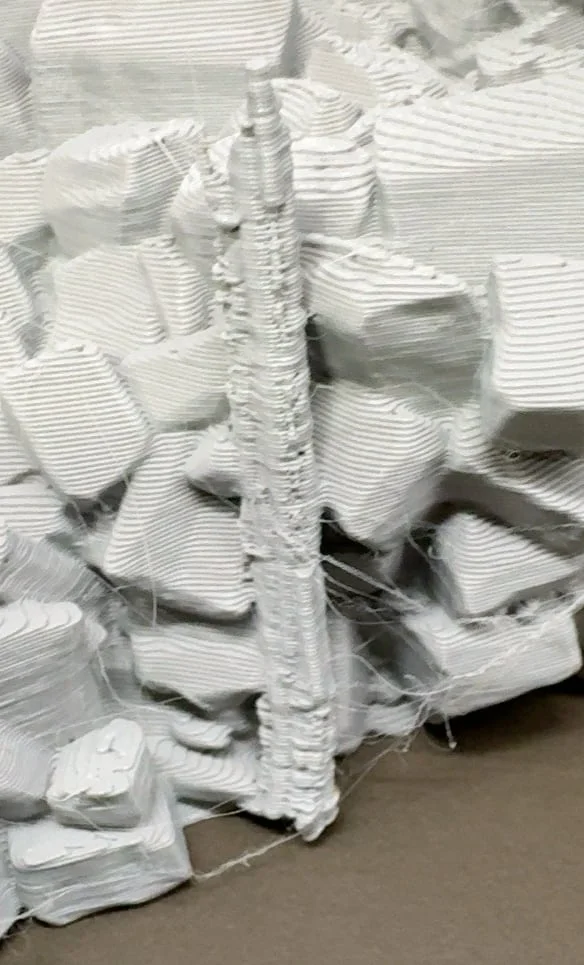
Stringing and poor detail on the wooden beam
I printed the same chunk of terrain about 5 times tweaking various settings, mostly small stuff:
- Dropping the other layer temperature to 210°C
- Enabling Wipe While Retracting
- Enabling Avoid Crossing Perimeters
- Dropping Small Perimter Speed to 15mm/s
- Setting Slow down if layer print time is below: 10s
And those produced better prints, but that plank of vertical wood stymied me. I had seen great prints from Bambu Labs and other printers and wondered what was different, so I installed Bambu Studio and OrcaSlicer to look at their slices and saw paths that were way better than what I was getting out of PrusaSlicer.
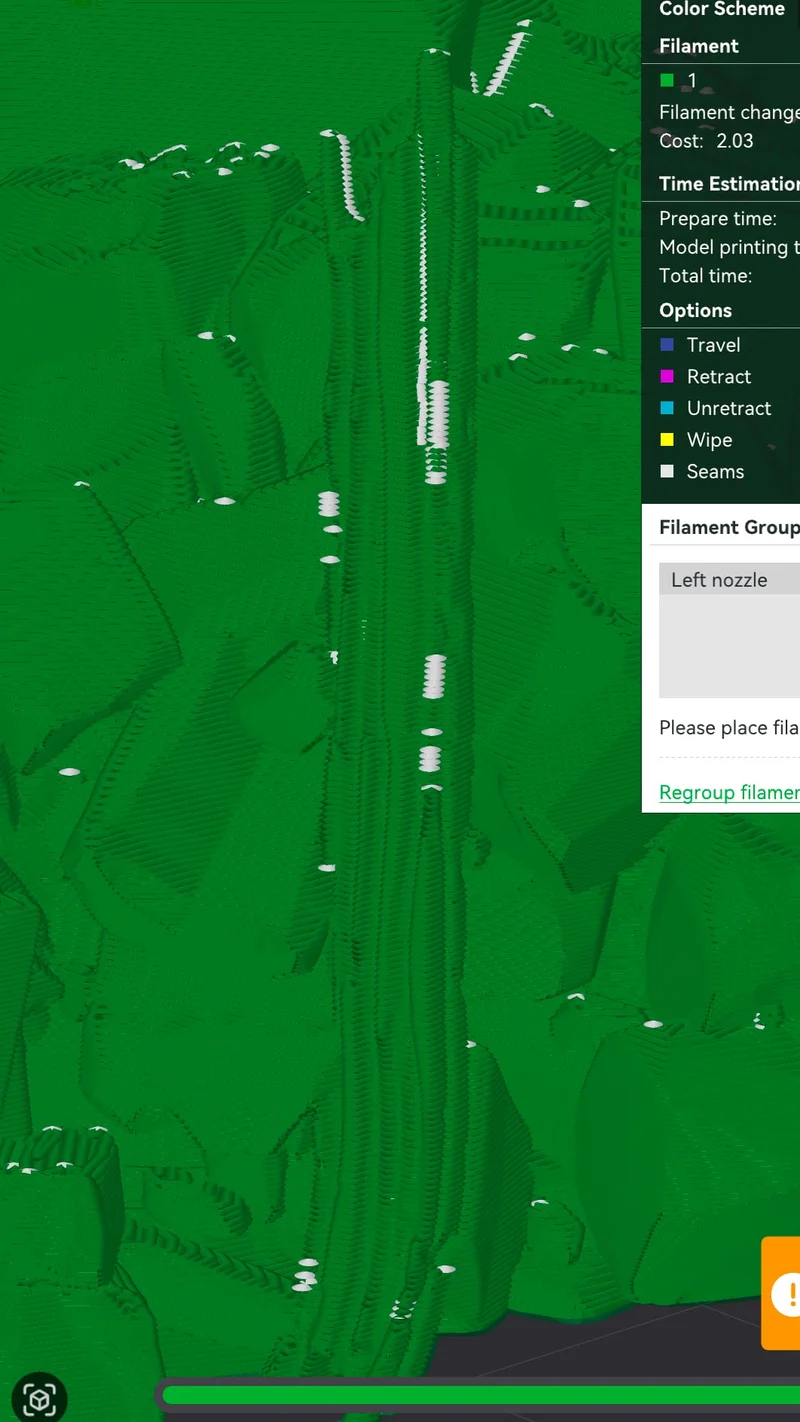
Bambu Studio's slicing path
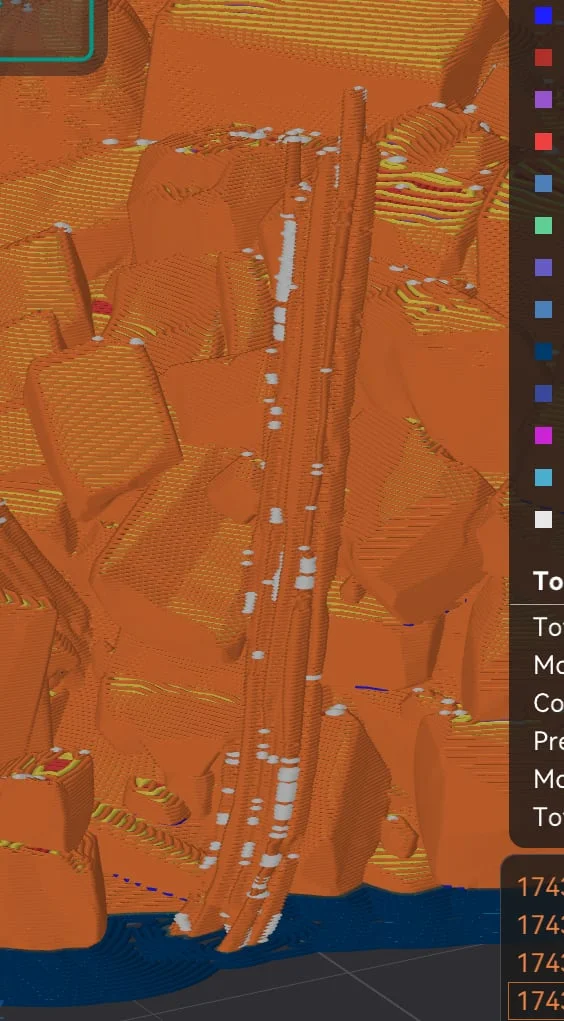
OrcaSlicer's slicing path
When I fed these screenshots into ChatGPT it finally seized on the problem: Arachne Perimeter Generation. Flipping Perimeter Generation from Arachne to Classic fixed all of the problems with that plank, and showing Seams in the Preview also helped to spot the problem (every little white dot is a seam on that layer, more seams mean more extra filament on the layer).
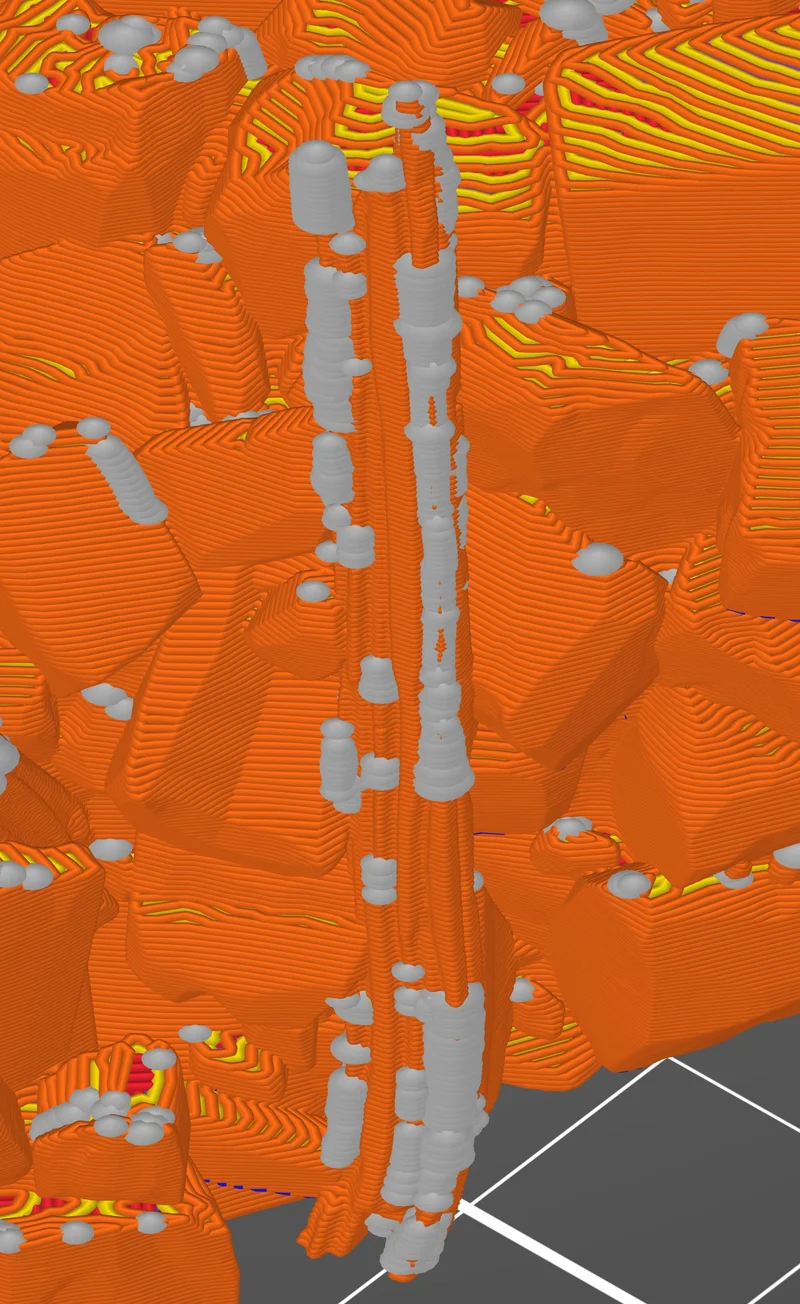
PrusaSlicer with Perimeter Generation set to Arachne
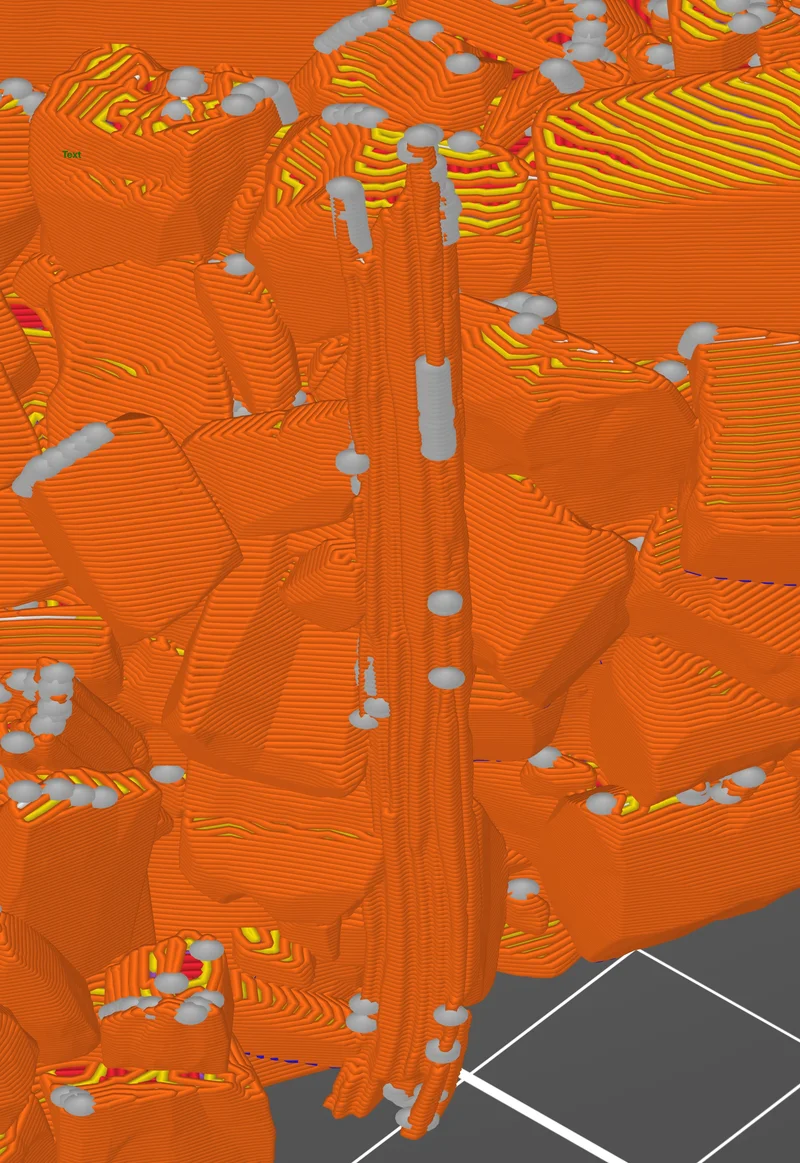
PrusaSlicer with Perimeter Generation set to Classic
I'm not sure who this helps, but hopefully this will save someone else some filament and time.
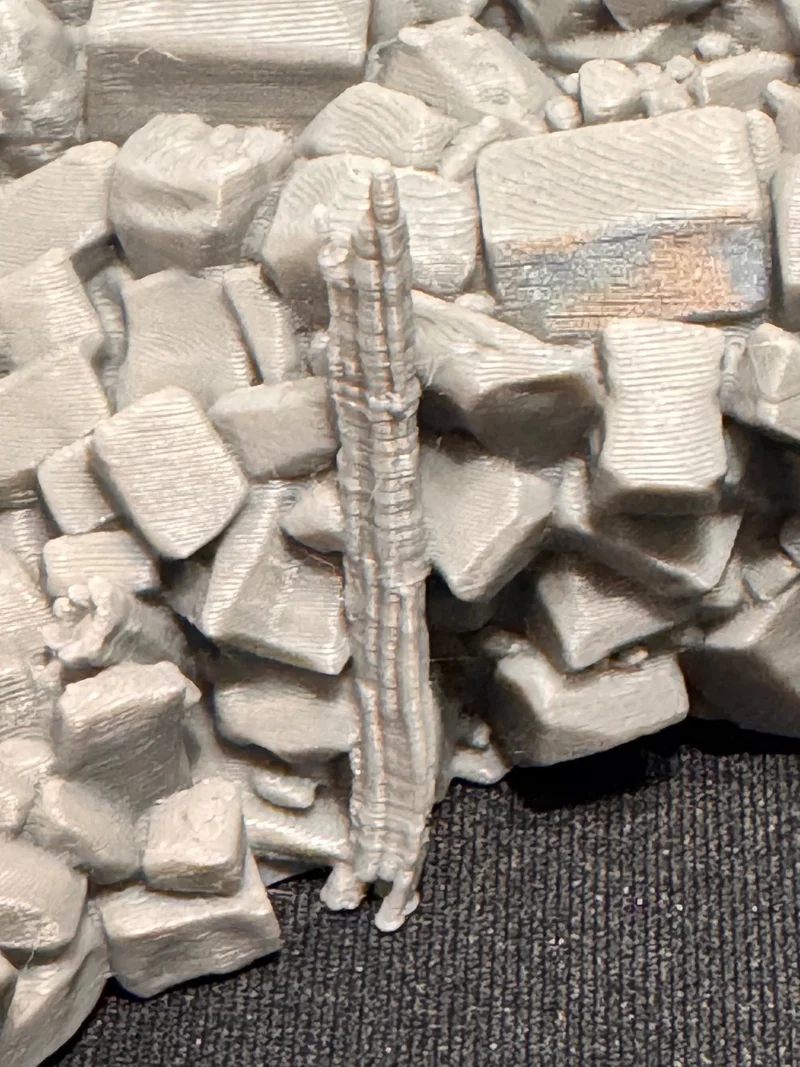
The final product
It's not perfect, but it's far, far better.